Android
Mudfish VPN
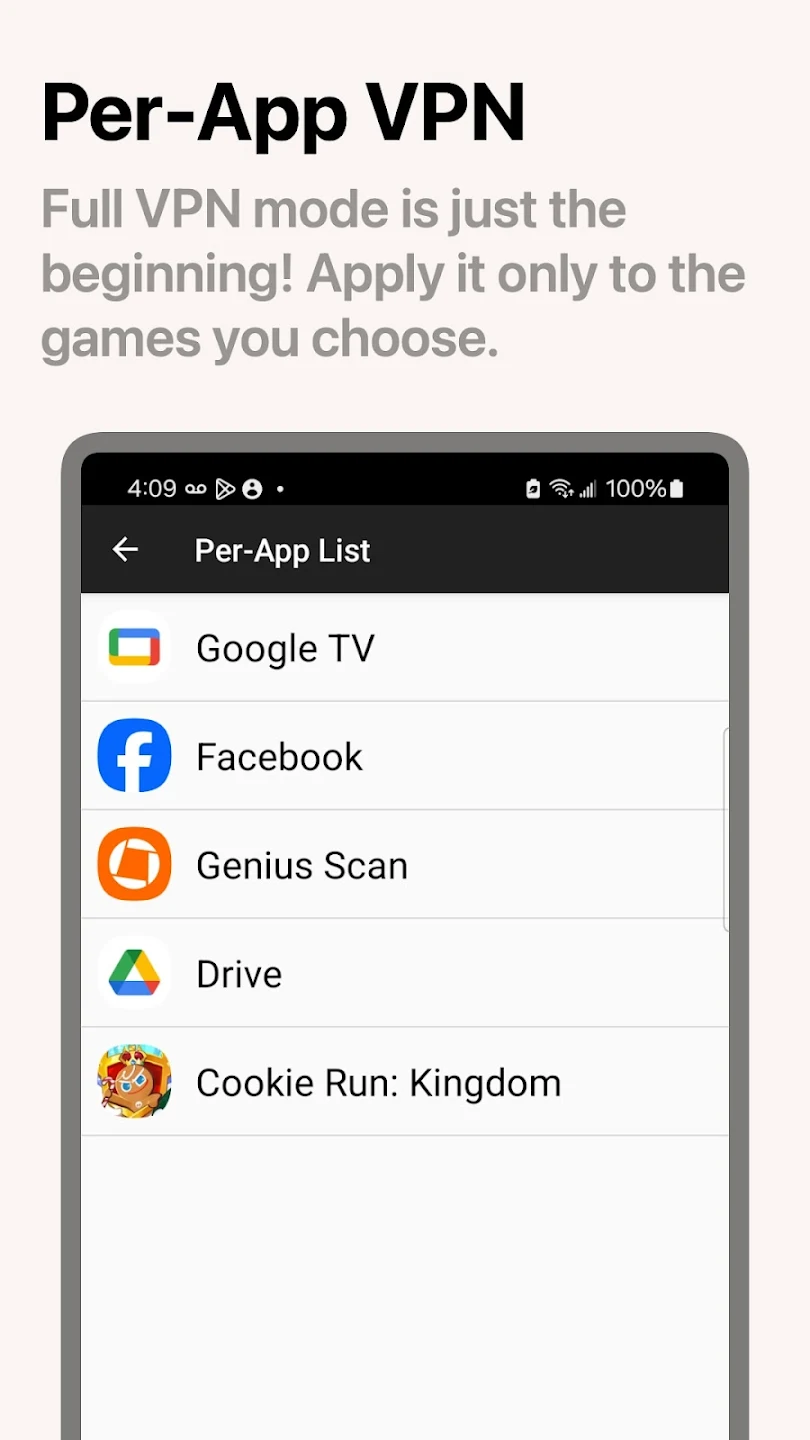
Connect only the apps you choose to the VPN
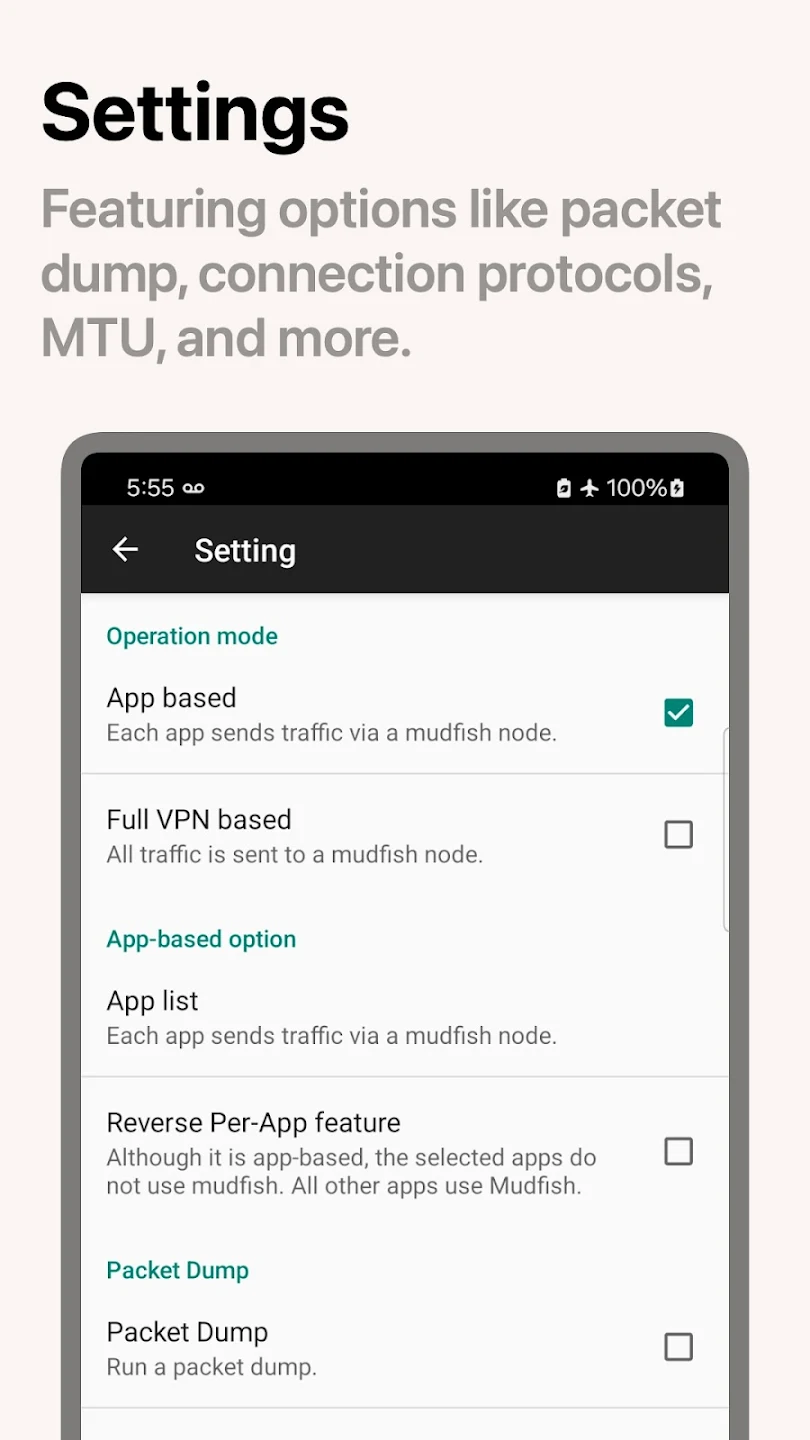
Save connection profiles as snapshots. Each snapshot can route selected apps or all device traffic through the VPN.
View more screenshots
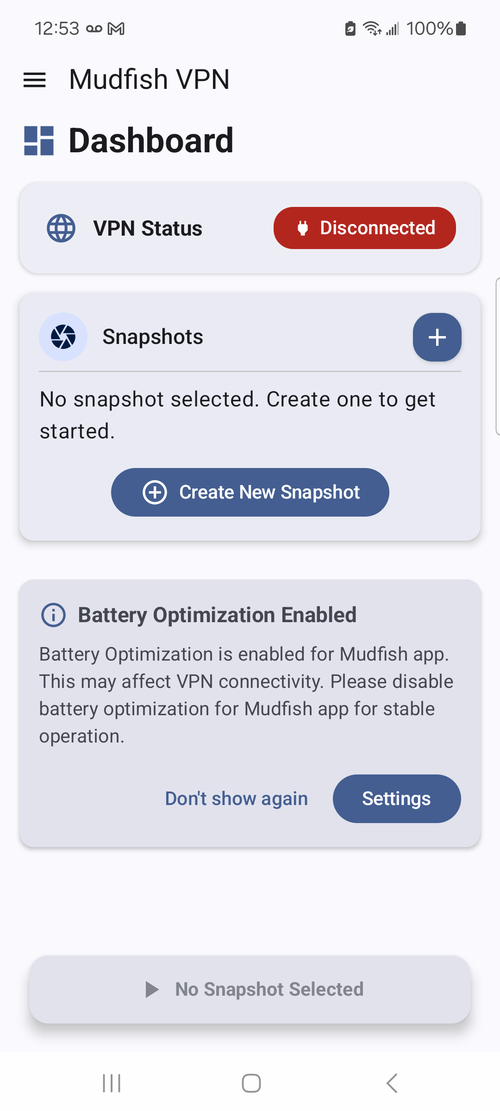
Mudfish Mobile App · Android / iOS
If you experience high ping or an unstable connection, try a different Mudfish node to find a route that suits your network.
Compare Android and iOS features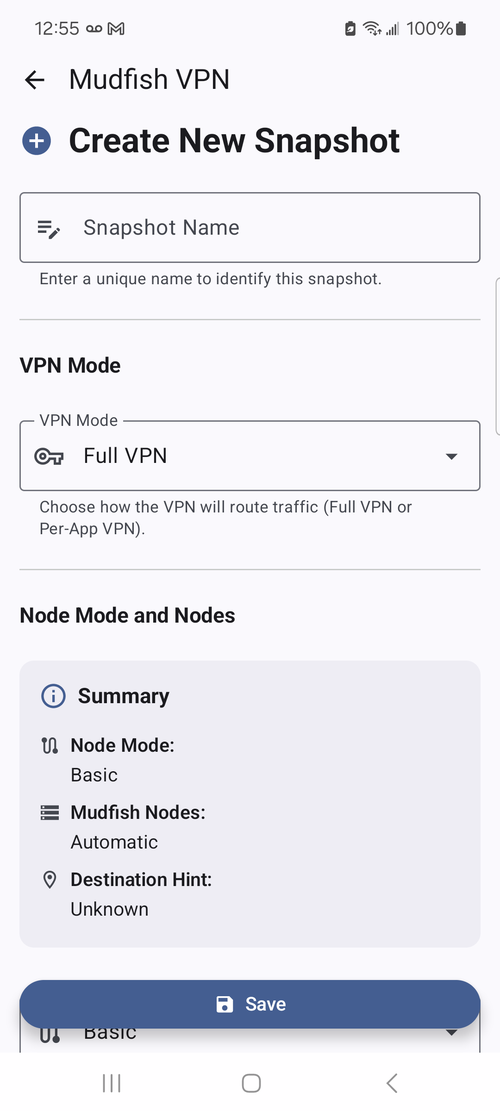
Supported features and the traffic handled vary by product.
Mudfish VPN
Save connection profiles as snapshots. Each snapshot can route selected apps or all device traffic through the VPN.
iPhone · iPad
iOS uses Full VPN. Per-App VPN is not supported.
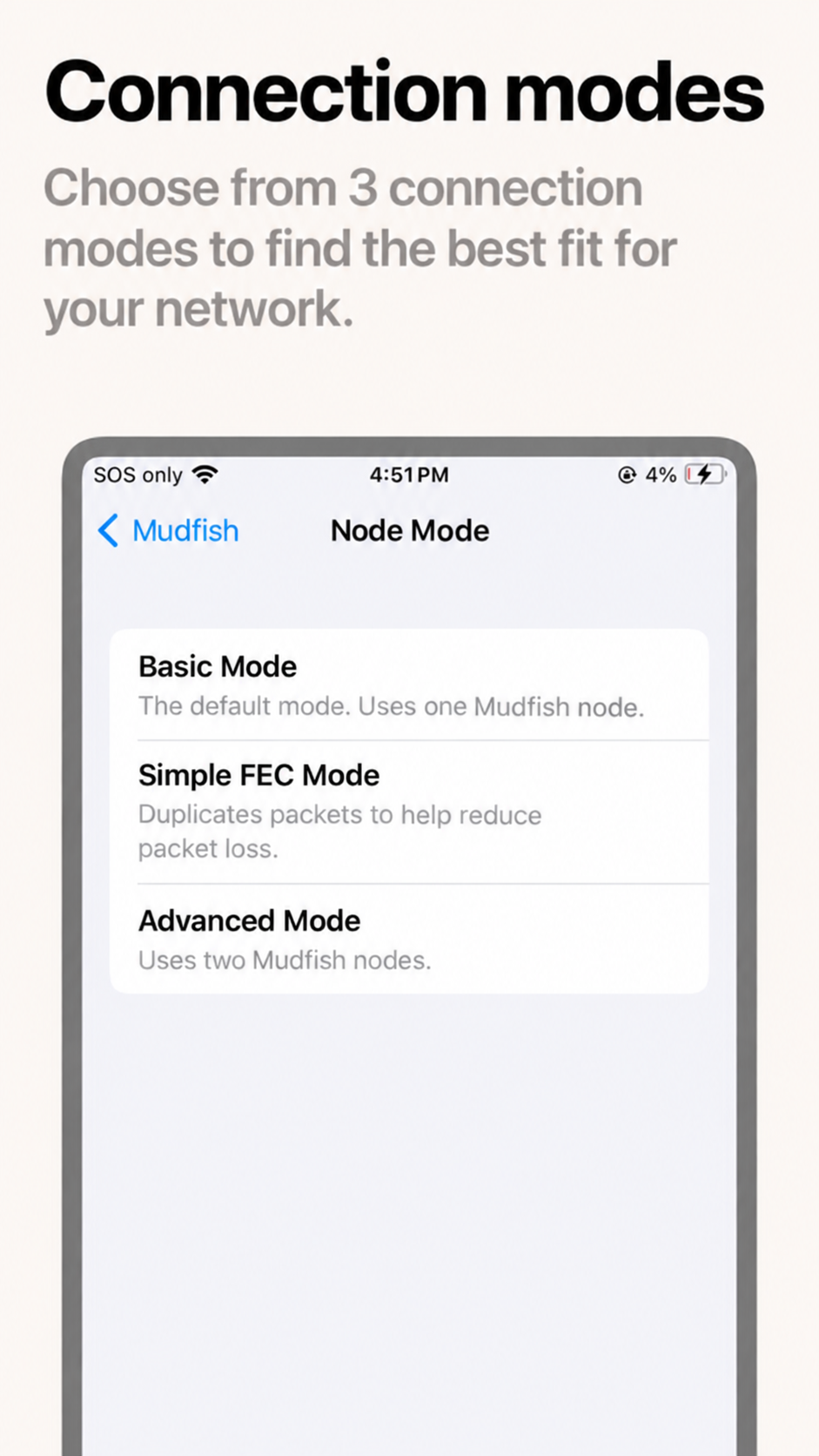
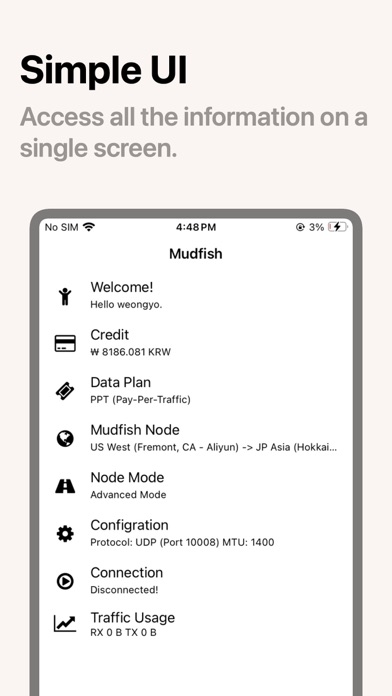
Promotional images of the legacy Android app. The features and pricing shown may differ from those of the current app.
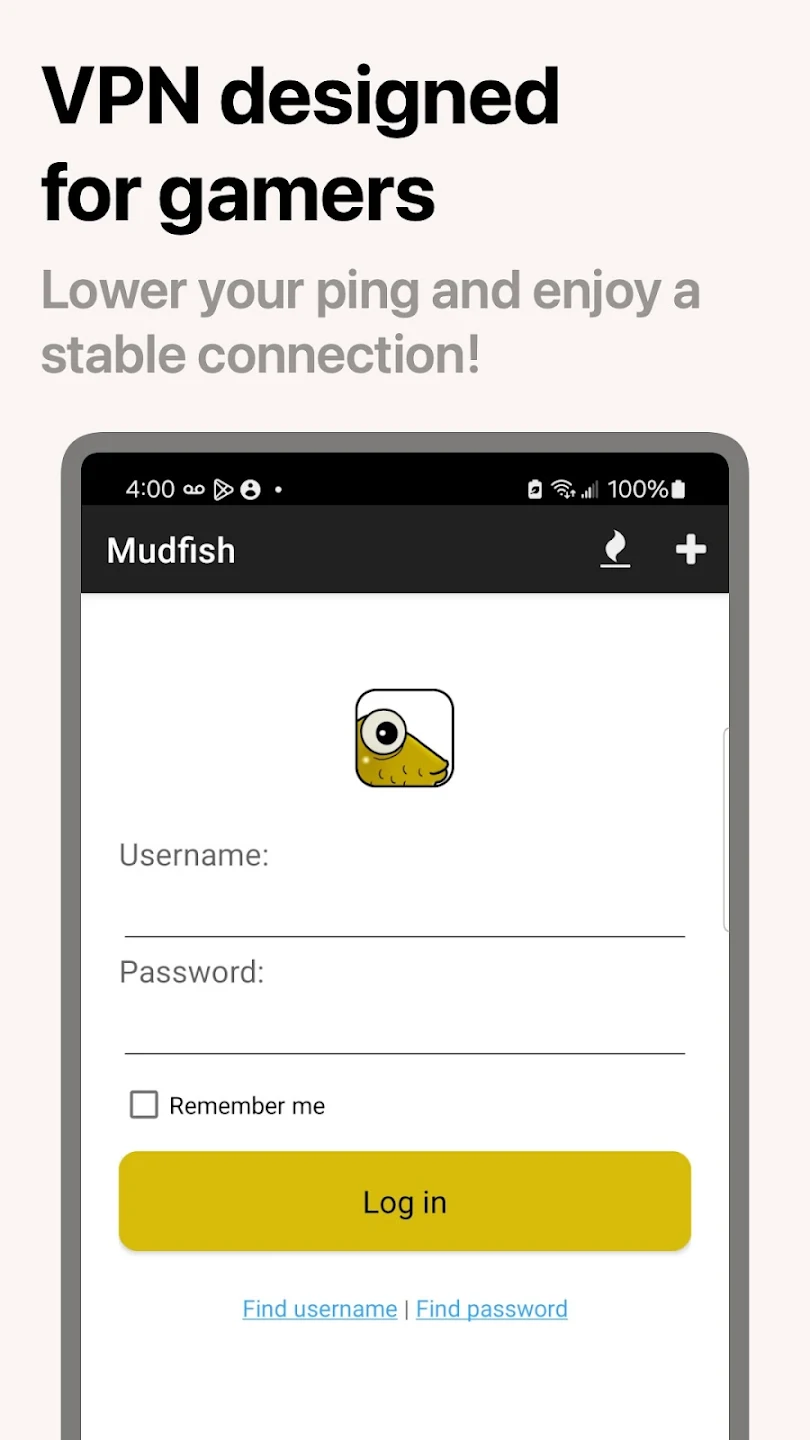
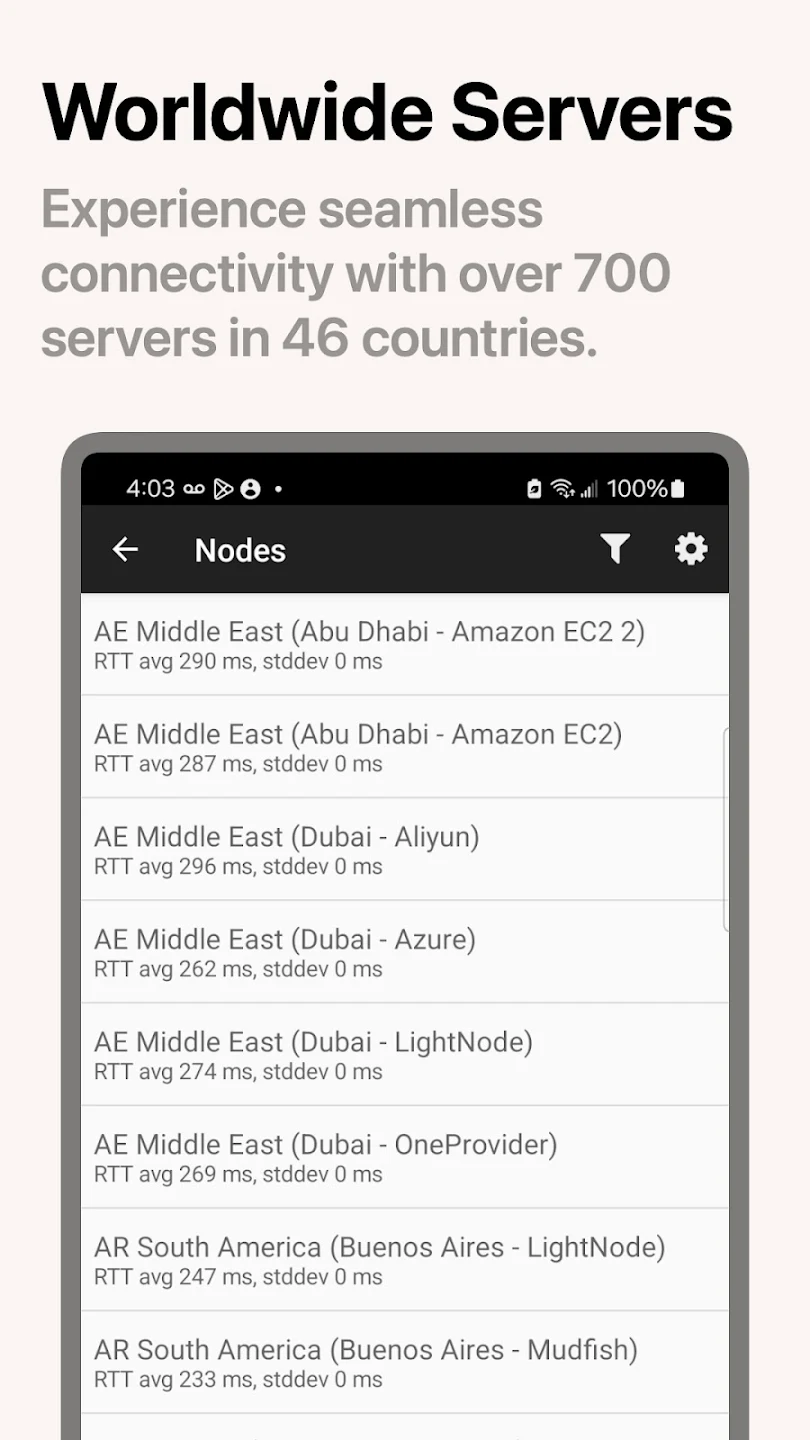
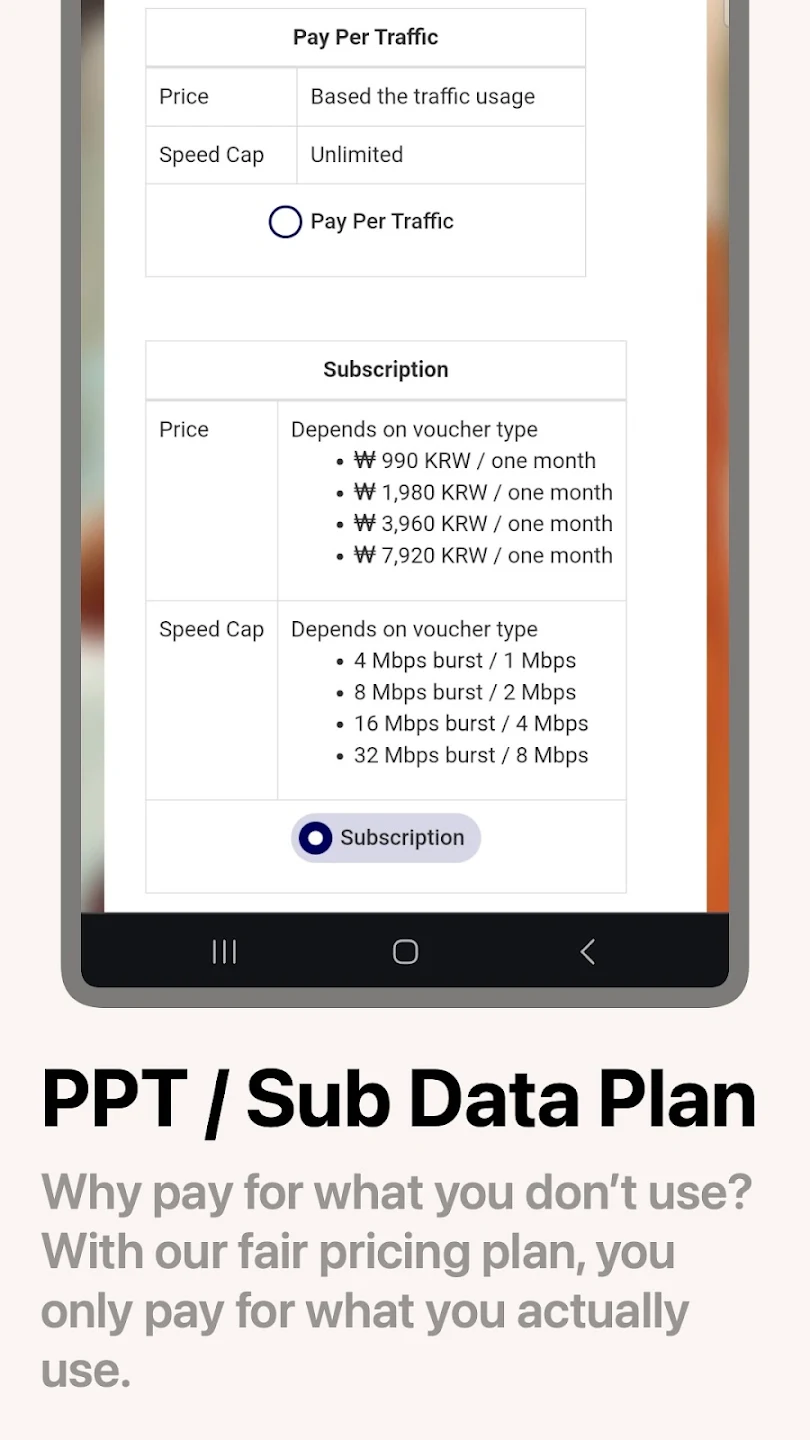
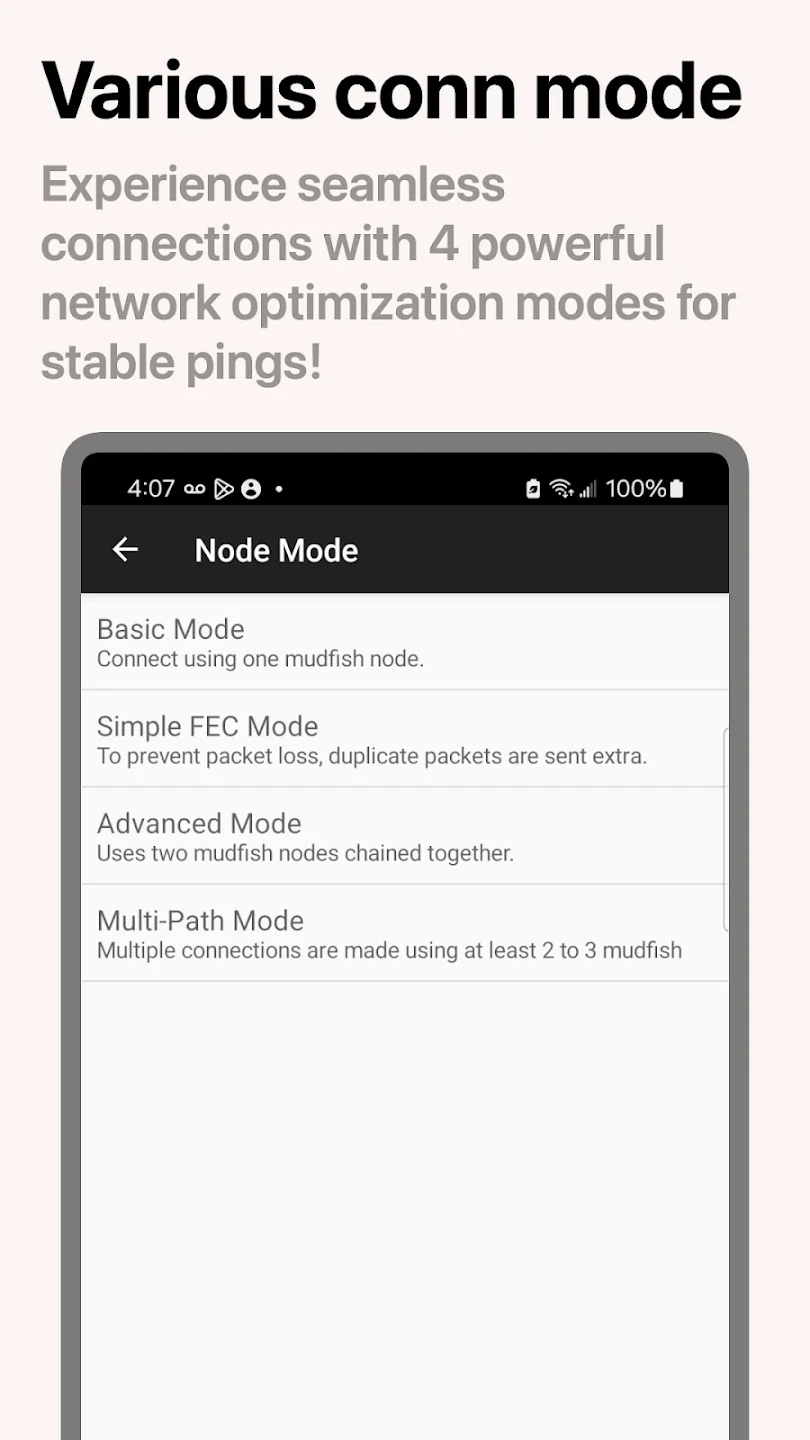
Sign in with your existing Mudfish account. Use the same credits on PC and mobile.
The same account data plan applies on PC and mobile. On Pay Per Traffic, credits are deducted based on incoming and outgoing traffic at the Mudfish node. Subscription plans have separate usage conditions.
View plans and billing detailsOn iOS, or when using Full VPN on Android, non-game traffic also passes through the VPN. On Pay Per Traffic, this traffic is included in billing.
Games added and connection settings saved on PC do not apply to the mobile app. Set up the connection separately in the mobile app.
Compare ping and interruptions before and after connecting to the VPN, using the same network and game server. Results depend on your network and chosen Mudfish node.
Install the app from your device’s store.
Use your existing account or create one to get started.
Create an accountFollow your app’s guide to configure the node and connection mode.
Where can I get help with setup? Get support